
Objective:
Learn how to get a scalar field from a vector field
Applies to:
- Design analysis, fields
Procedure:
To turn the Vector field into a Scalar field:
-
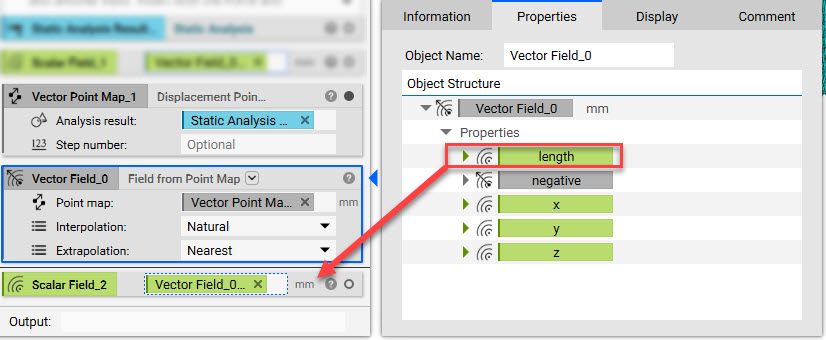
- Open up the Property of the Field from Point Map block
- Extract the Length Chip and input it into the Notebook (this is your scalar field)
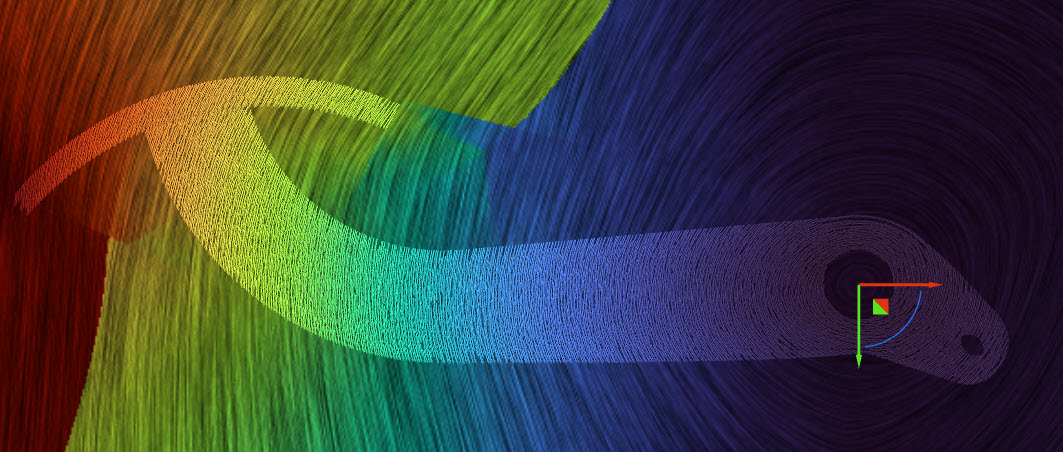
Below is the image of the original Vector field:
Below is the image of the resulting Scalar field:
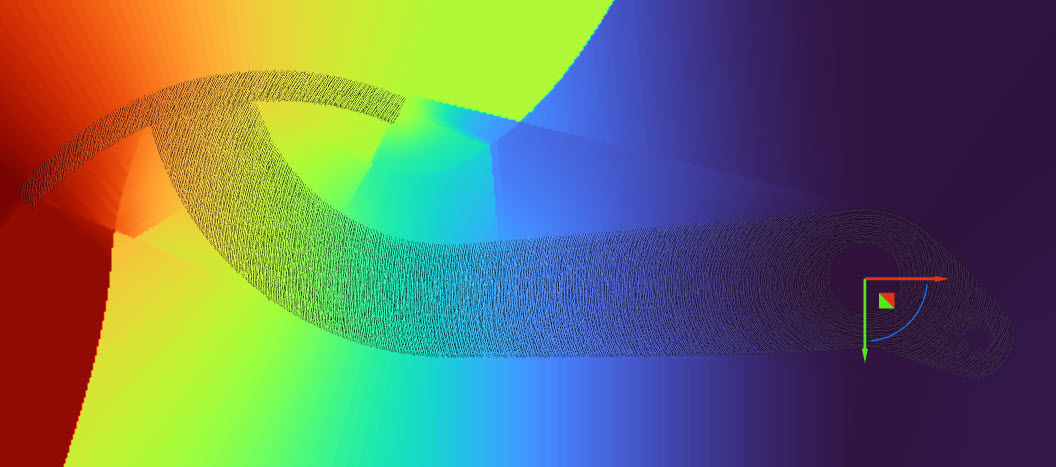
And that’s it! You’ve successfully extracted a scalar field from a vector field.
Are you still having issues? Contact the support team, and we’ll be happy to help!