Issue:
I've run into an error and I need to troubleshoot my notebook to find the cause.
Applies to:
- Troubleshooting
Solution:
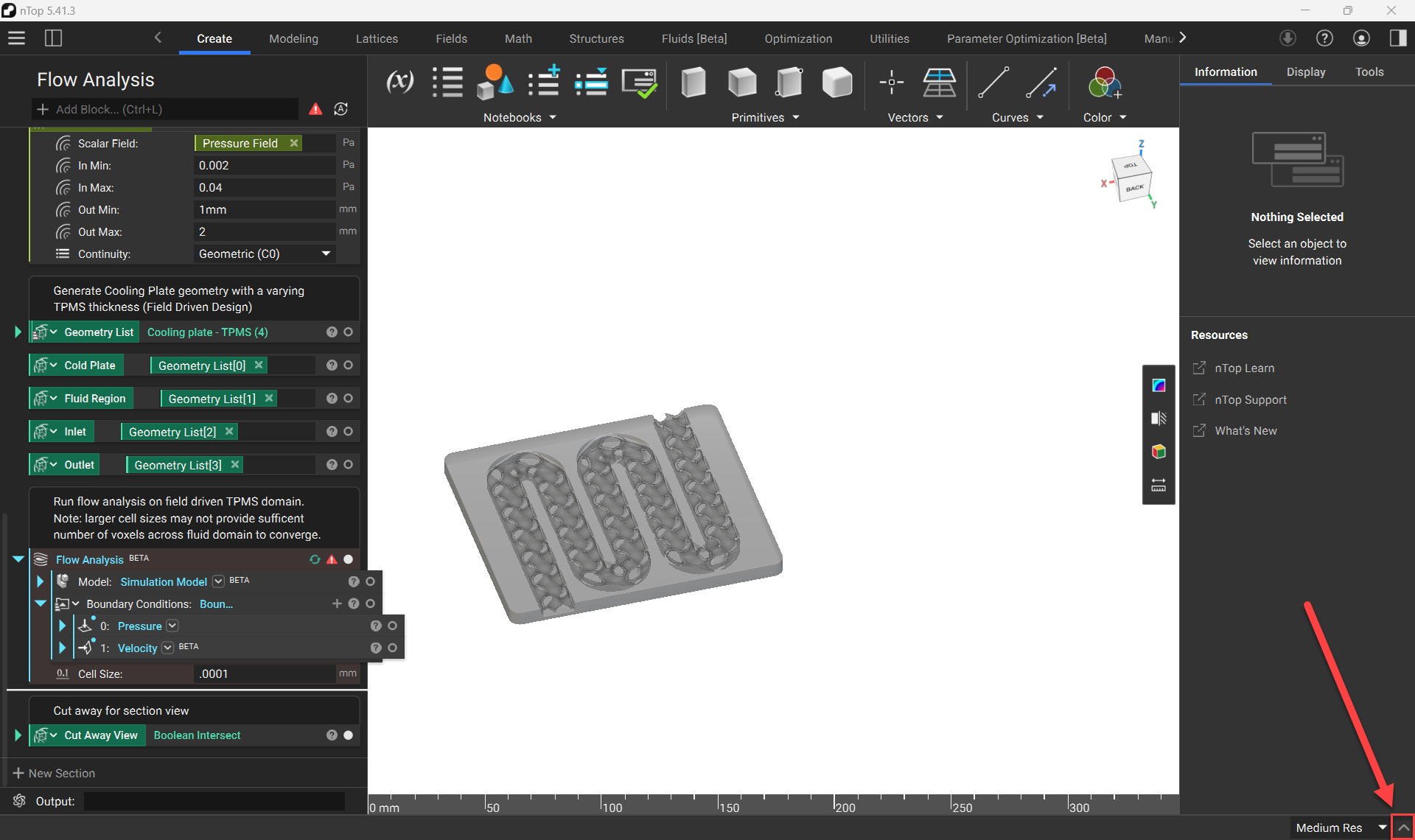
The log panel is accessed at the bottom right of the screen. Select the ^ icon to expand the Bottom Panel.
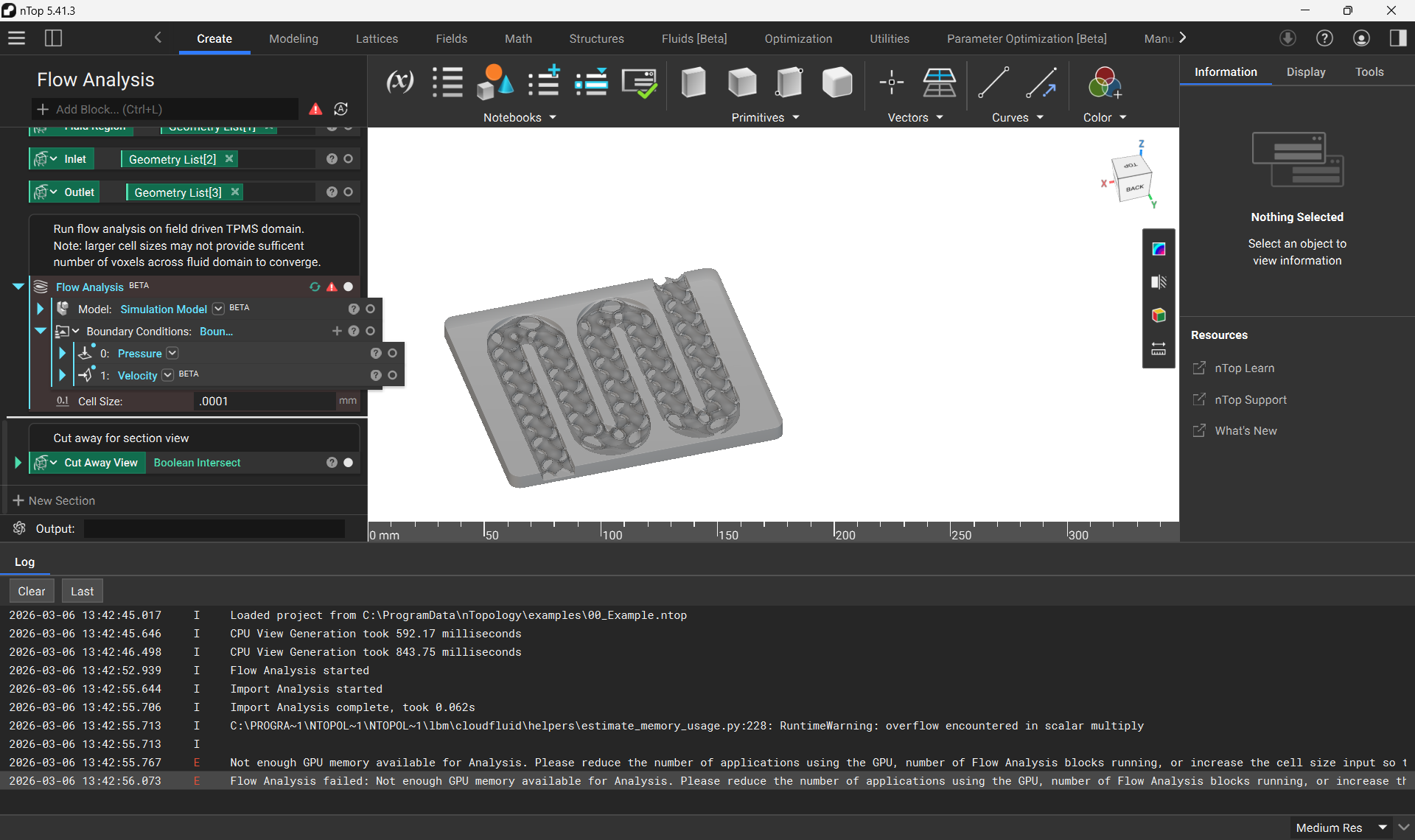
The log panel shows each function performed in the notebook with calculation timestamps. It also shows warnings and errors that may occur in your notebook.
Locating logs
The system generates a log for every instance nTop is run.
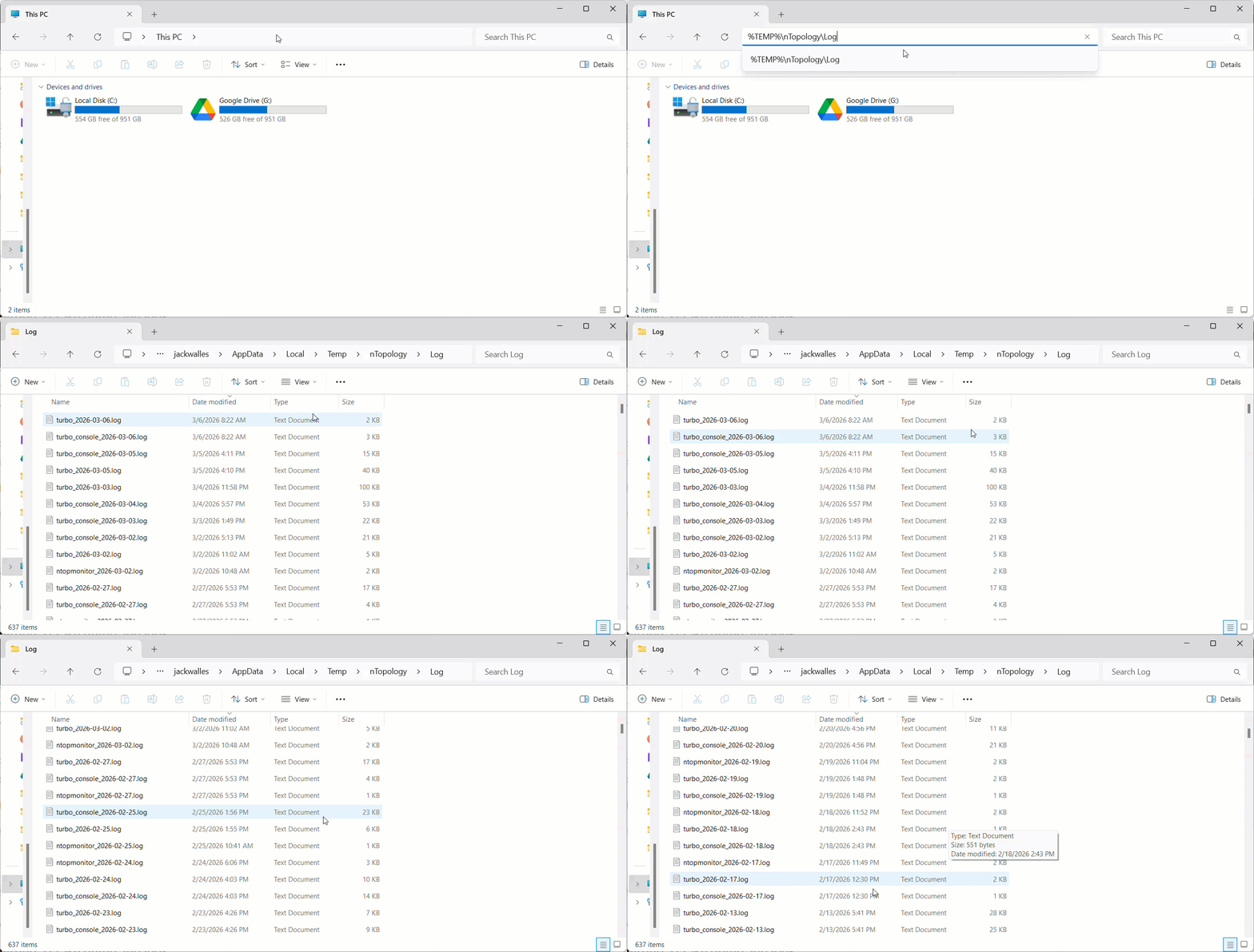
Find the logs here (copy and paste the location into File Explorer):
%TEMP%\nTopology\Log