
Question:
How does the Sweep along Two Rails block work?
Answer:
The Sweep along Two Rails block creates an implicit body by sweeping a section along a path defined by two rail curves and a spine. Because the section's position, rotation, and scale are all driven by the rails, the resulting shape can taper, twist, and change size along its length, rather than staying constant like a basic sweep.
Definitions
-
Rail: The primary curves defining the trajectory of the swept section. They control the position, scale, and rotation of the section within the spine plane.
- Valid: Linear, nonlinear, nonplanar, closed
- Invalid: Non-monotonic with respect to the spine or another rail
-
Spine: Controls the orientation of the plane of the moving section.
- Valid: Linear, nonlinear, nonplanar, closed
- Invalid: Non-monotonic with respect to a rail
- Section: The (implicit) planar shape at any given point along the sweep.
Basic Controls
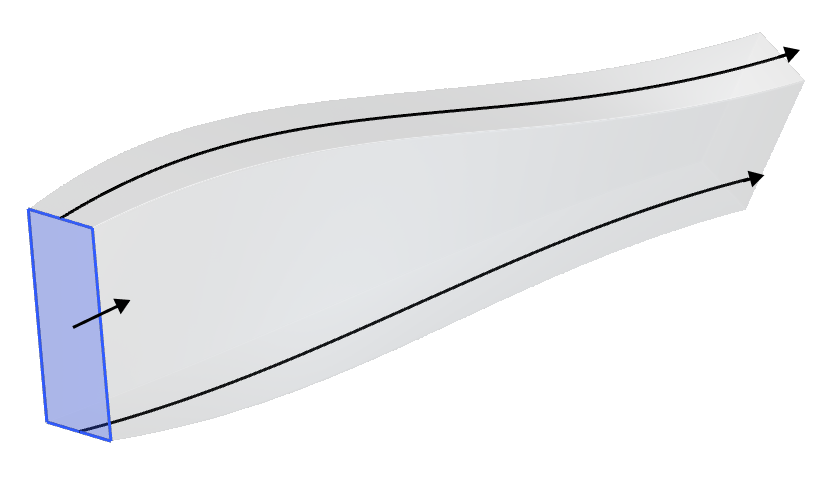
- Trajectory: The path along which the section is swept, defined by the two guide rails.
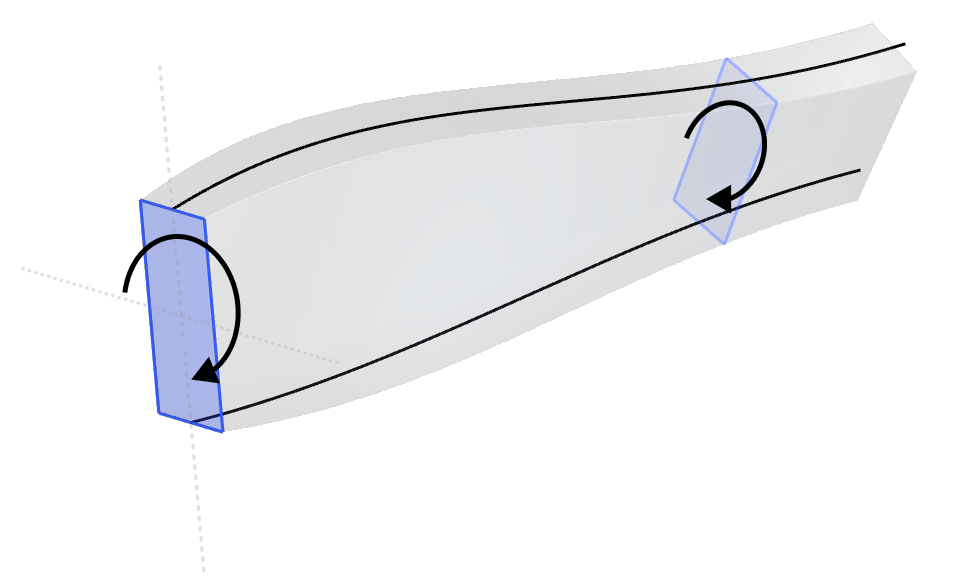
- Rotation: The in-plane rotation of the section being swept, controlled by the rails.
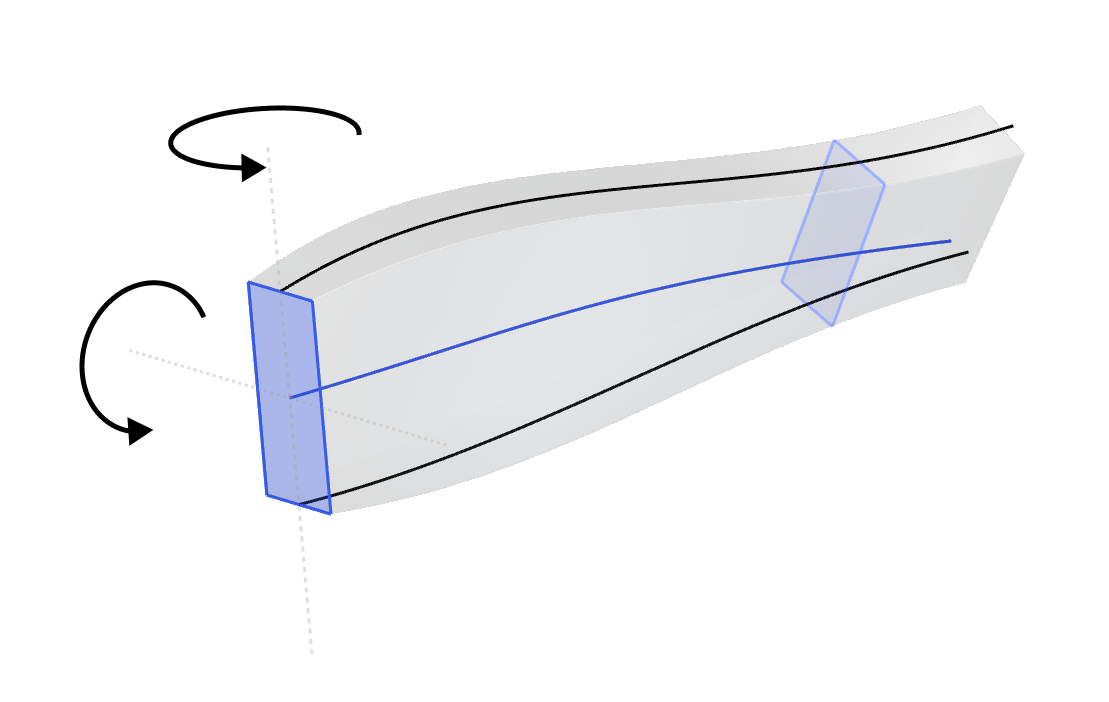
- Orientation: The orientation of the plane of the section at any point along the path. The orientation is always perpendicular to the spine.
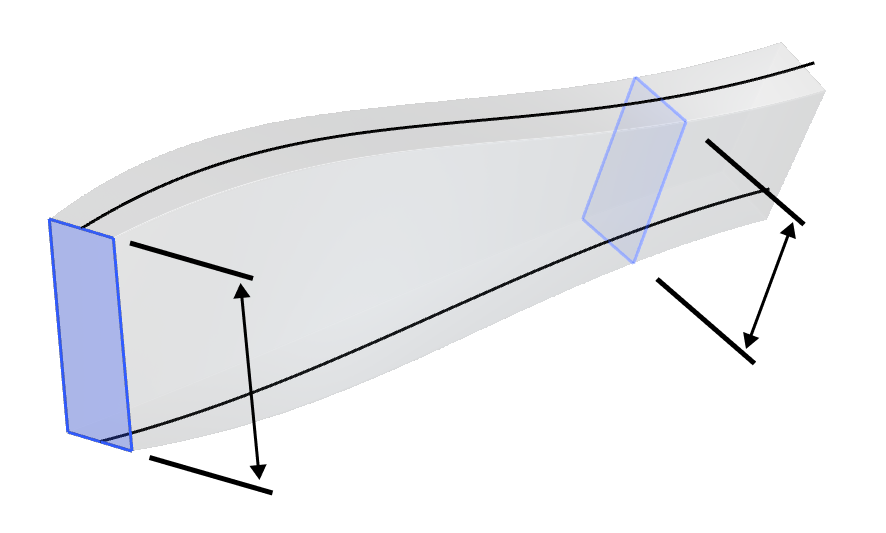
- Scale: The in-plane scale of the section at any point along the path, controlled by the second rail (or a law). Scaling is typically uniform, but if a third rail is provided, non-uniform scaling is applied.
Overloads and Trimming
The block can sweep either a Profile or a planar section of an Implicit Body. A shape to sweep and a starting plane are both required for the sweep — the Profile overload fully defines these using the input Profile's own properties.
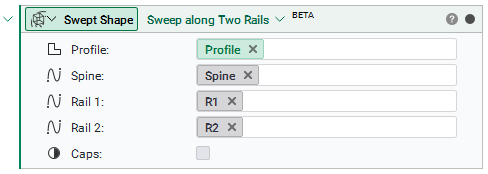
Note: The swept result is the exact planar slice of the body at the starting plane, not a profile created using Section Body.
The Implicit Body overload instead requires both the body and a plane that defines the planar section of the body to sweep.
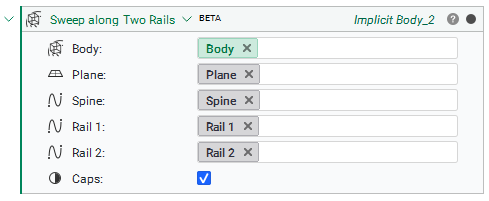
- Caps: When checked, closes the swept body with planar caps at the start and end of the spine.
Example: Sweeping an airfoil to create a wing
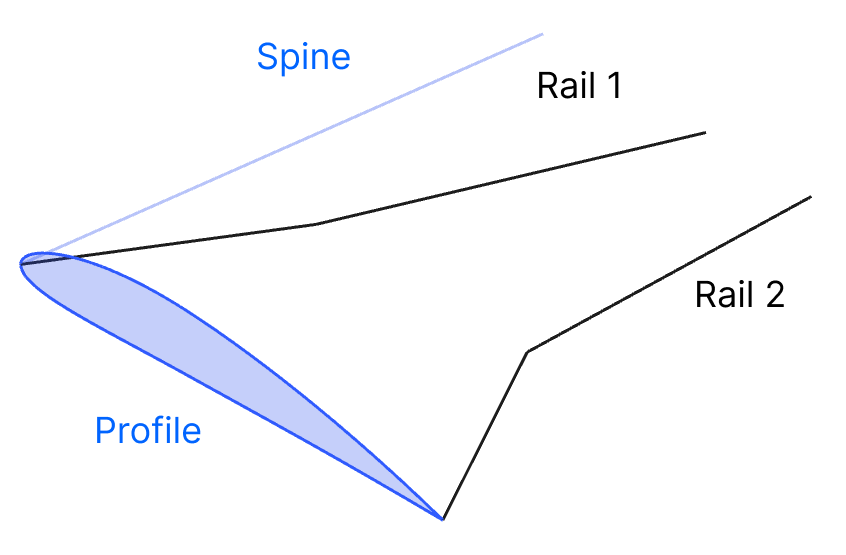
To create a wing, the setup is as follows:
- Profile: The airfoil to sweep.
- Spine: A line in the spanwise direction. The airfoil sections remain orthogonal to this line, keeping them streamline-aligned.
- Rail 1: Leading edge.
- Rail 2: Trailing edge.
- Caps: True, to create a trimmed wing.
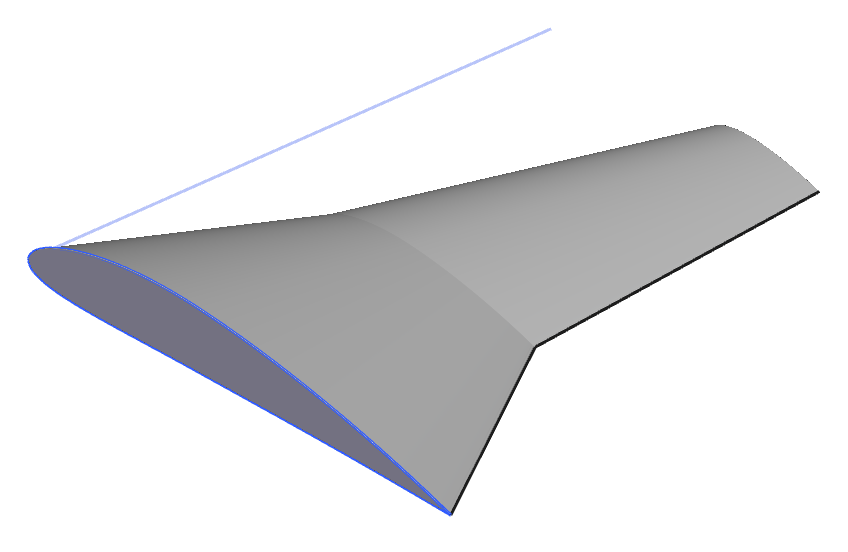
The block outputs an Implicit Body representing the swept geometry.
Tip: If the swept result looks twisted or self-intersects, check that the Spine and Rail curves all start and end near the same relative locations, and that they run in a consistent direction. Rails that diverge significantly in length or shape from the spine can produce unexpected results.