
Objective:
Learn how to build a honeycomb lattice on a CAD face.
Applies to:
- Lightweighting
Procedure:
1. Set-Up: Import your CAD Part.
2. Extract Faces:
- Turn the surface of the CAD Body into a CAD Face Variable.
3. Apply a Honeycomb Lattice to the Nozzle:
-
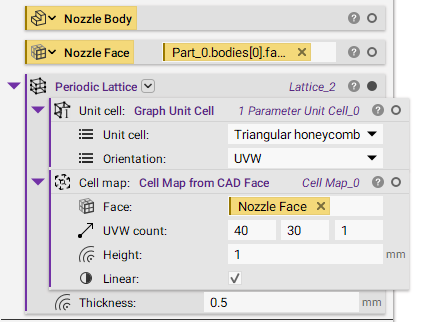
Generate a lattice with the Periodic Lattice block.
-
Unit cell: Graph Unit Cell.
- Unit cell: Triangular honeycomb.
- Orientation: UVW.
-
Cell map: Cell Map from CAD Face.
- Face: Nozzle Face (The face selected from the above step).
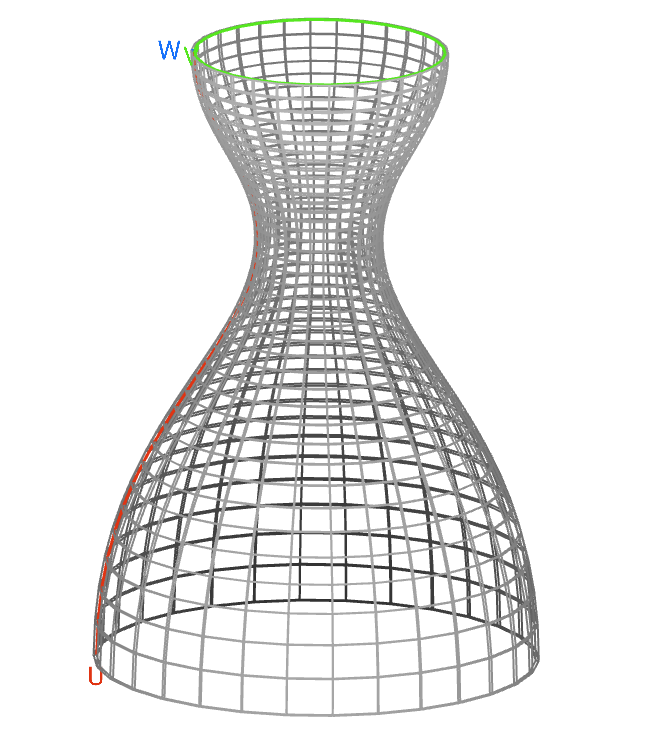
- UVW count: 40 X 30 X 1 (Number of cells in the three directions).
- Height: 1 mm (Cell height from the surface).
-
Unit cell: Graph Unit Cell.
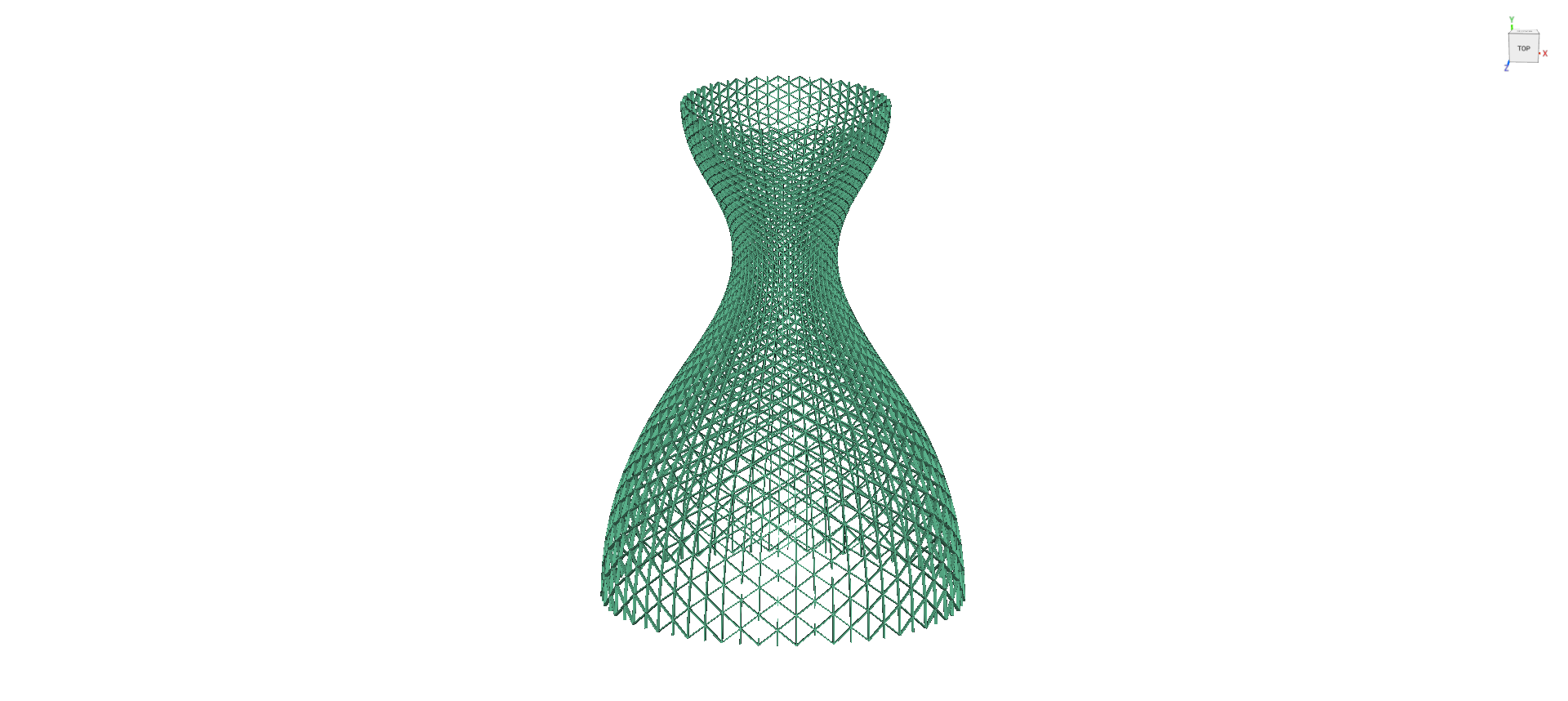
And that’s it! You’ve successfully created a honeycomb lattice on a CAD Face.
Are you still having issues? Contact the support team, and we’ll be happy to help!