Question:
How can I see when a license will expire?
How long is a license active?
How can I see my license info?
Applies to:
- nTop
- Cloud Licenses
- Local Licenses
Answer:
Users can see account details with the desktop application and User Dashboard.
1. To view your account details using the desktop app
- Select Help > About
- Alternatively, select Account Details > Account Settings
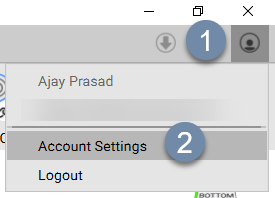
2. To view your account details on the web:
- Sign on to the User Dashboard
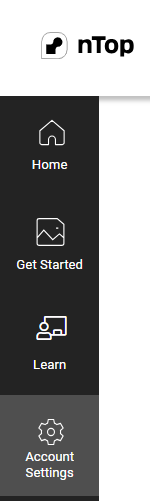
- On the left side, select Account Settings