nTop 5.36 is here! This release features improvements to our Parameter Optimization framework. As with every release, nTop's dedicated support team is ready to answer your questions. Please visit support.ntop.com to gain access to helpful tutorials and support articles.
Usage Improvements
- We have added additional log information to Parameter Optimization to track optimization progress better.
- We have enabled the Run Command block to be used in Parameter Optimization. This allows you to run auxiliary scripts that can be used as parameter objectives or constraints.
- We have improved the consistency of plotting across optimization results.
- We have enabled pressure boundaries with multiple magnitudes in Fluid Analysis.
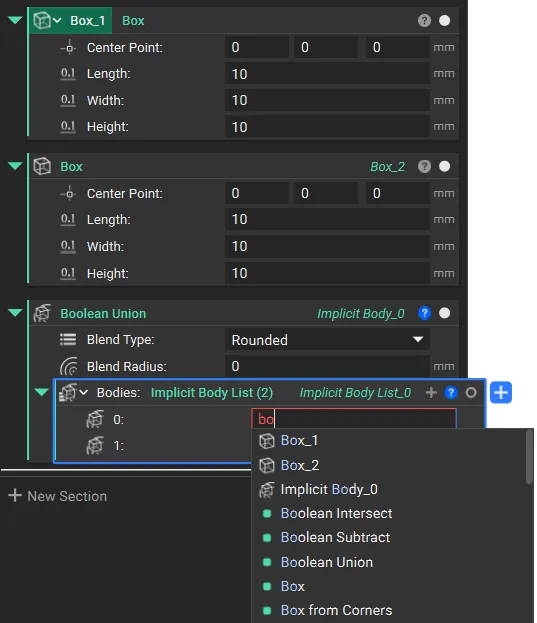
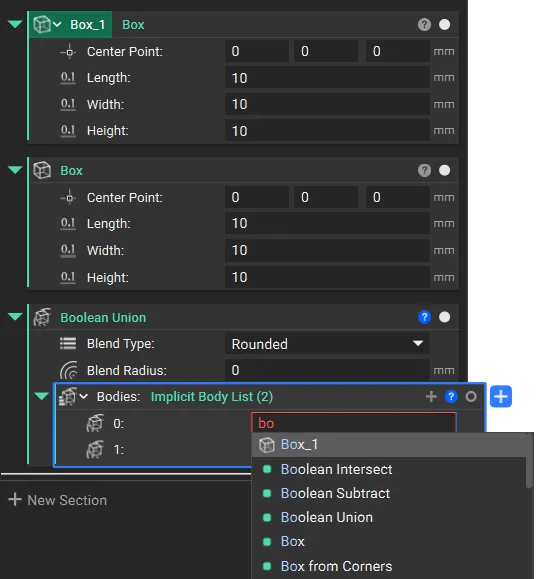
- We have hidden non-variable object names from the context search menu. This reduces visual clutter, making it easier for you to find specific blocks and variables.
Before 5.36 |
5.36 |
|
|
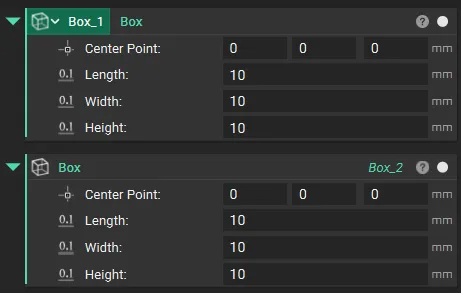
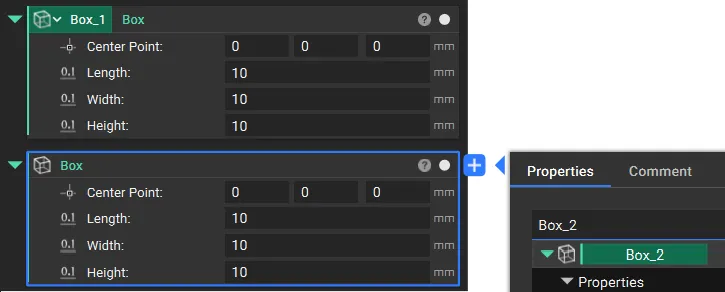
- We have removed object names from the block header to emphasize the use of variables. Object names remain visible in the Right Side Panel, Outline, and Properties.
Before 5.36 |
5.36 |
|
|