nTop 6.0 is here! This major release refreshes the UI with new Shiny Plastic and Brushed Metal display styles, and adds a new set of Shell Modeling blocks for generating, cleaning, and repairing surface meshes. Read more about the new blocks below. We've also introduced nTop Assistant for onboarding and in-context support without leaving nTop. As with every release, nTop's dedicated support team is ready to answer your questions. Please visit support.ntop.com to gain access to helpful tutorials and support articles.
Visual Design Update
Shading Update
Sweep along Two Rails
Meshes from Profiles
Align Mesh Normals
Boundary Nodes from Open Mesh
Boundary Polycurves from Open Mesh
Merge and Weld Meshes
Clean Mesh Faces
nTop Assistant
Block Updates
Visual Design Update
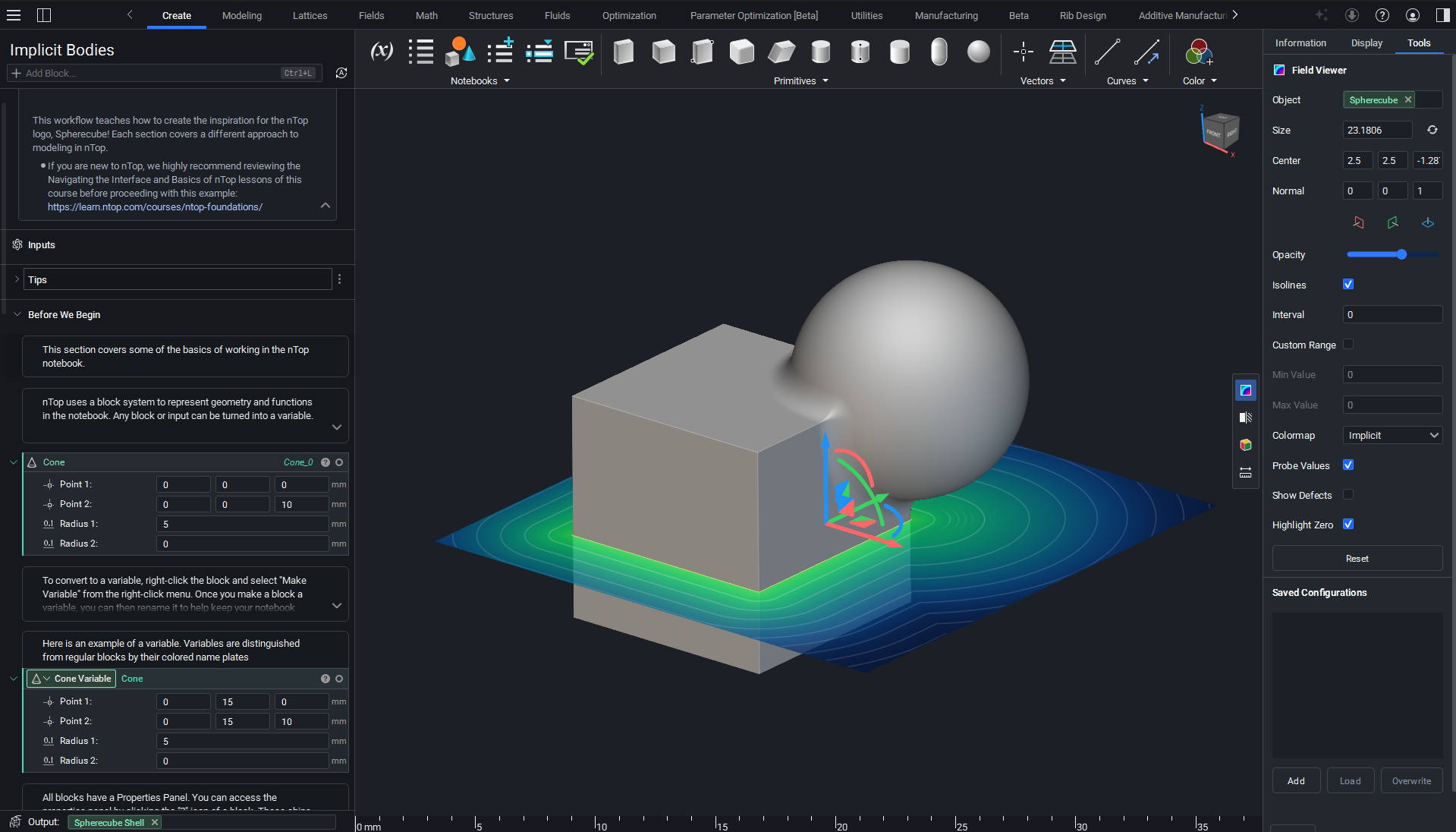
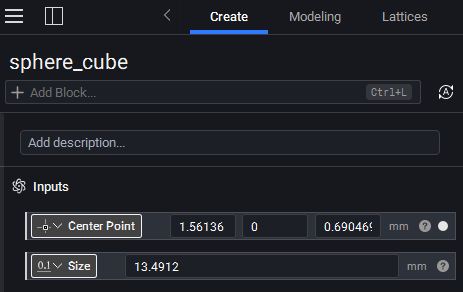
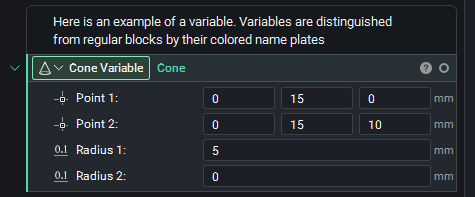
- We've updated the UI. Colors, buttons, menus, modals, and viewport styling have all been refreshed for a modern feel.
Shading Update
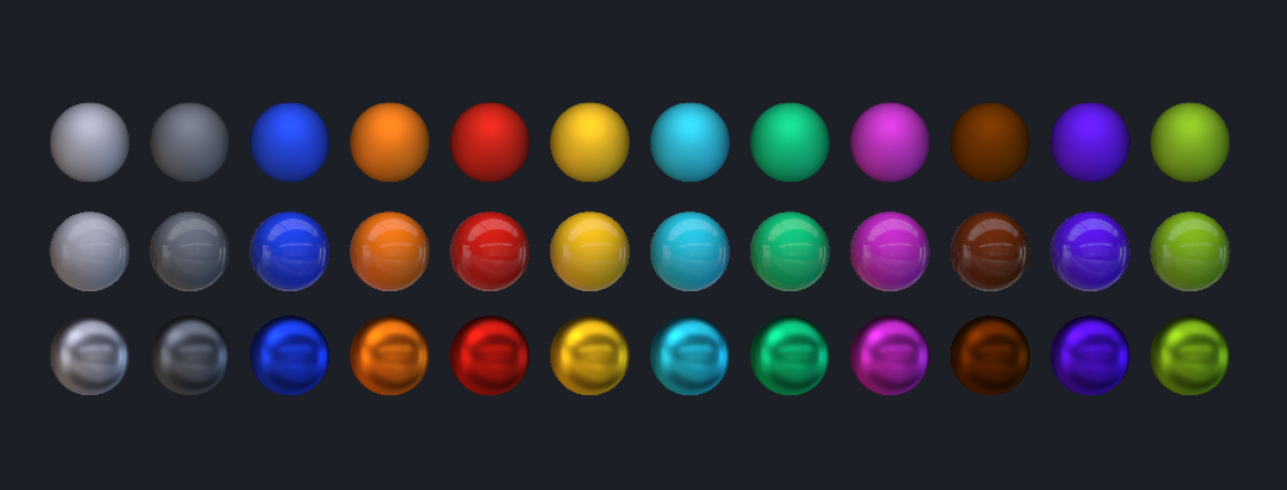
- We've added two new display styles: Shiny Plastic and Brushed Metal. We've also updated the color palette with more saturation, contrast, and a new distribution of default colors, giving nTop a fresh feel along with more visual clarity for understanding and presenting your designs.
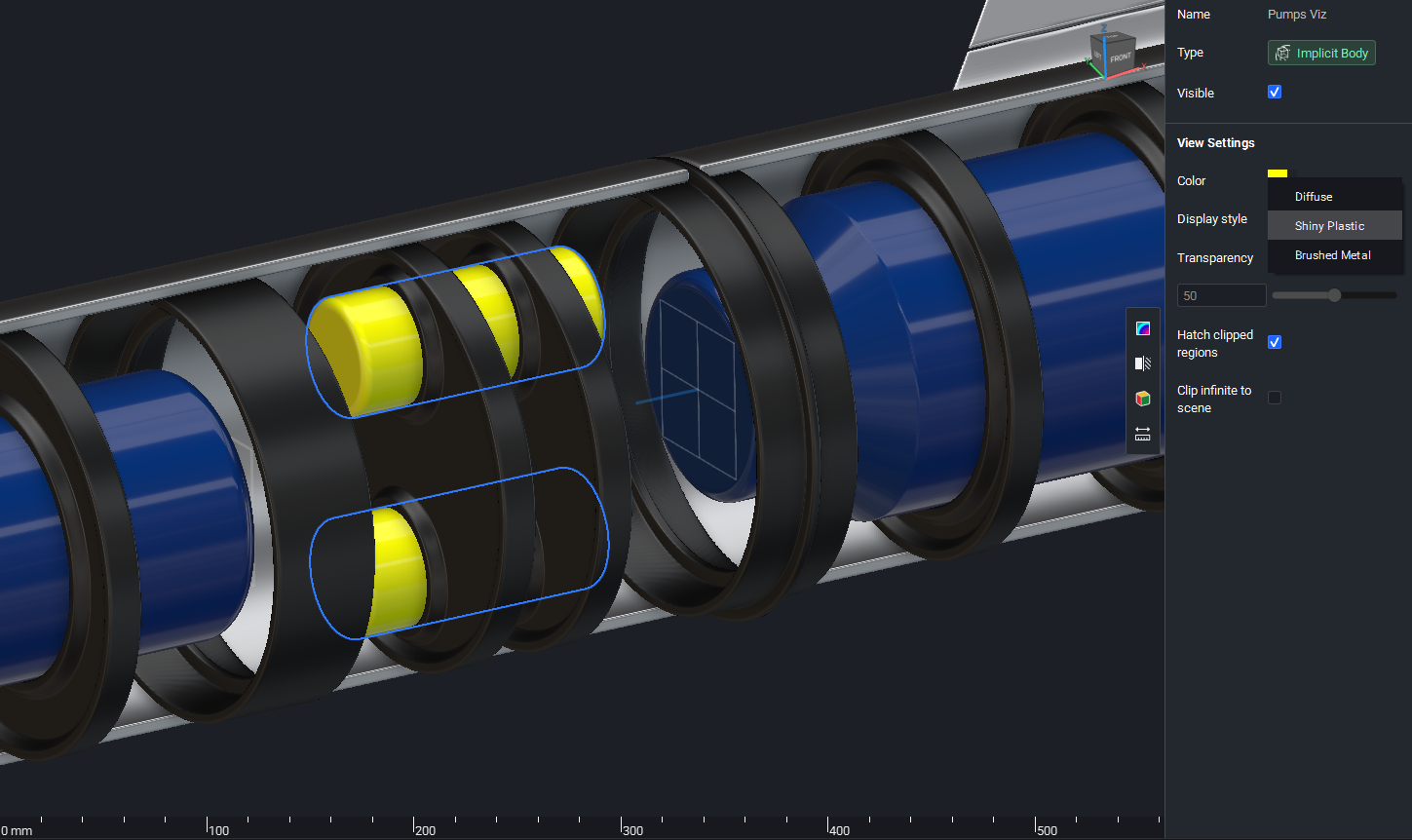
- To select a display style, select an object and navigate to the right side panel, where you'll find a dropdown for choosing between Diffuse, Shiny Plastic, and Brushed Metal.
Sweep along Two Rails
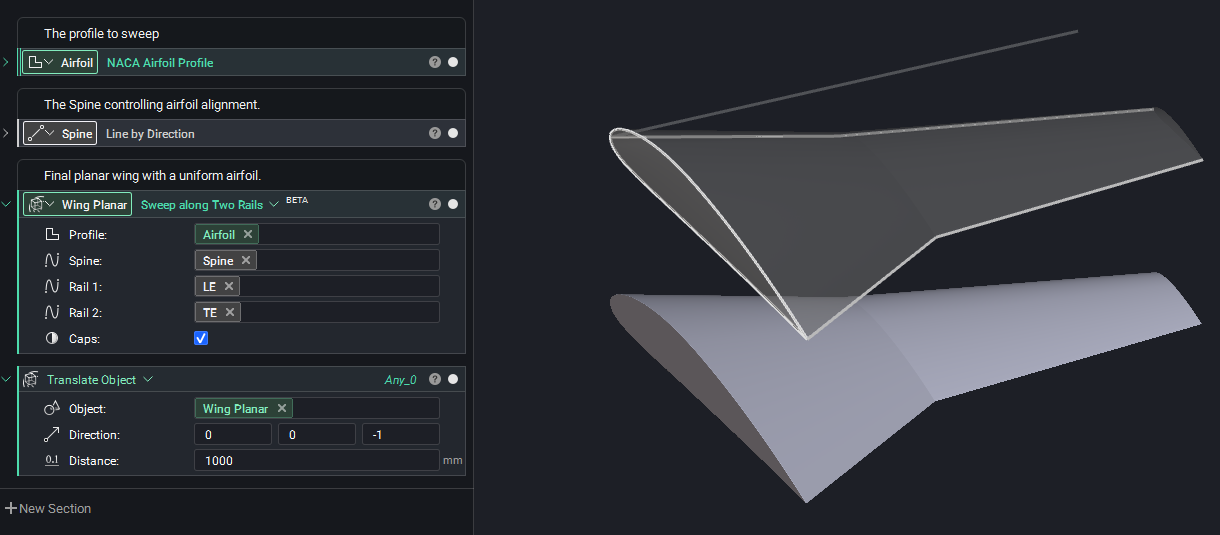
- The Sweep along Two Rails block sweeps a profile or field along two rail curves and a spine curve. The two rail curves fully define the scale and in-plane rotation of the swept section, while the spine curve controls the alignment of the swept section, preserving its relative orientation with respect to the spine tangent.
- Use case: Wings, ducts, channels, ribs.
- Location: Modeling > Operations
- Profile: Profile to sweep along the rails.
- Spine: Spine curve to define section plane orientation.
- Rail 1: First rail curve to sweep along.
- Rail 2: Second rail curve to sweep along.
- Caps: If checked, closes the swept body with planar caps at the start and end of the spine.
- Output: Implicit Body
Meshes from Profiles
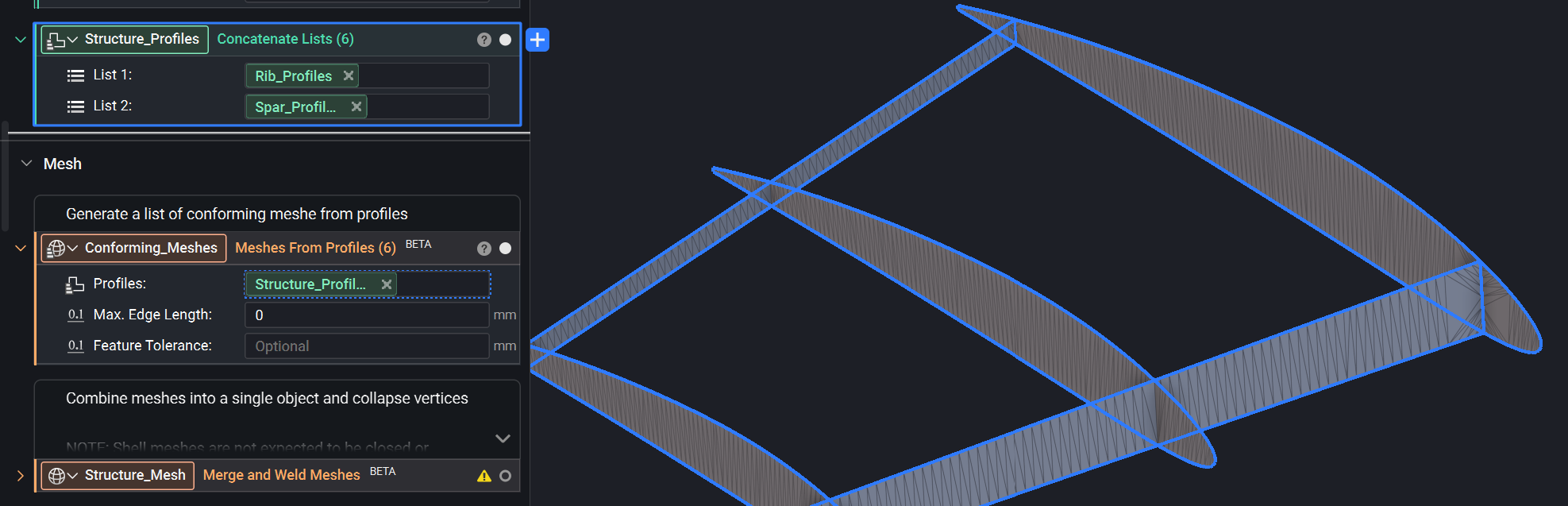
- The Meshes from Profiles block generates a list of conforming meshes from an input list of profiles. Each mesh is a separate object, but has coincident nodes at their intersections, which is what makes them conforming.
- Use case: Structural analysis with shell elements.
- Location: Beta > Shell Modeling
- Profiles: Pre-computed planar profiles to mesh. Each profile produces one mesh in the output list.
- Max. Edge Length: Maximum triangle edge length in the output meshes. Pass 0 for no size constraint.
- Feature Tolerance: Controls the tolerance for resolving shared intersection vertices and sampling curved profile boundaries. Defaults to 10% of Max. Edge Length when set, otherwise 1% of the profiles' bounding box diagonal.
- Output: Mesh List
Align Mesh Normals
- The Align Mesh Normals block sweeps across a mesh and ensures that all element normals are consistently oriented.
- Use case: Generating and exporting surface meshes.
- Location: Beta > Shell Modeling
- Mesh: Mesh whose face normals will be reoriented.
- Output: Mesh
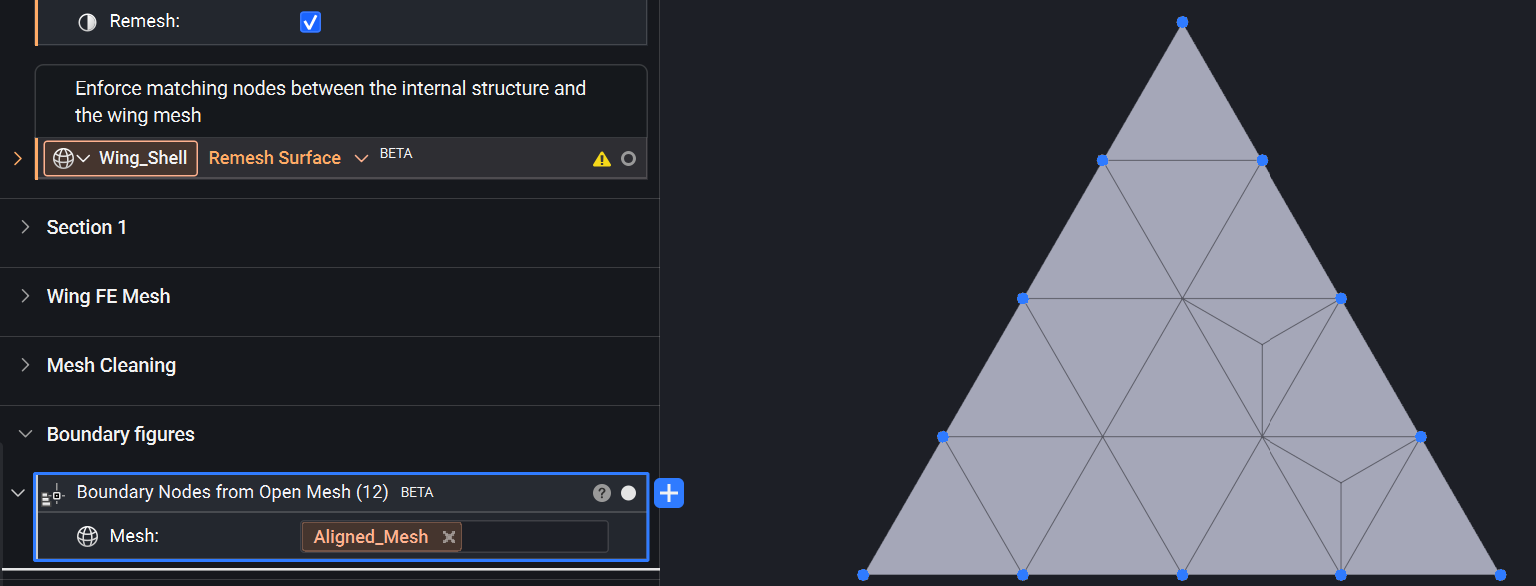
Boundary Nodes from Open Mesh
- The Boundary Nodes from Open Mesh block extracts all vertices lying on free edges of an open surface mesh. This collects nodes from all edges that are shared by only one face in the mesh. If the mesh is closed, it returns an empty list.
- Use case: Static analysis on connected components.
- Location: Beta > Shell Modeling
- Mesh: Open surface mesh to extract free-edge vertices from.
- Output: Point List
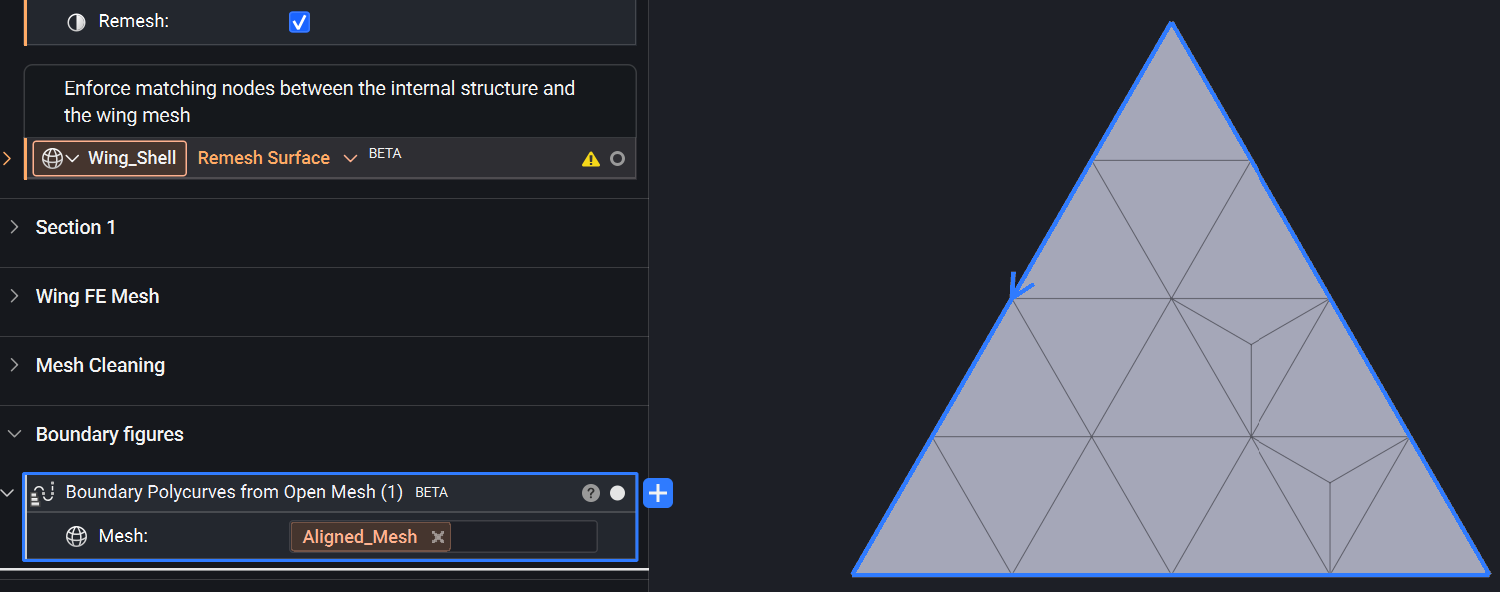
Boundary Polycurves from Open Mesh
- The Boundary Polycurves from Open Mesh block extracts and chains together all free edges from an open surface mesh, returning each loop as a polycurve. If the mesh is closed, it returns an empty list.
- Use case: Static analysis of connected components.
- Location: Beta > Shell Modeling
- Mesh: Open surface mesh to extract boundary loops from.
- Output: Polycurve List
Merge and Weld Meshes
- The Merge and Weld Meshes block joins Mesh objects together and collapses vertices that fall within a set distance of one another.
- Use case: Static analysis of connected components.
- Location: Beta > Shell Modeling
- Meshes: Meshes to merge.
- Distance Threshold: Vertices within this distance threshold will be merged together into one vertex. If not provided, meshes are concatenated without any vertex welding.
- Output: Mesh
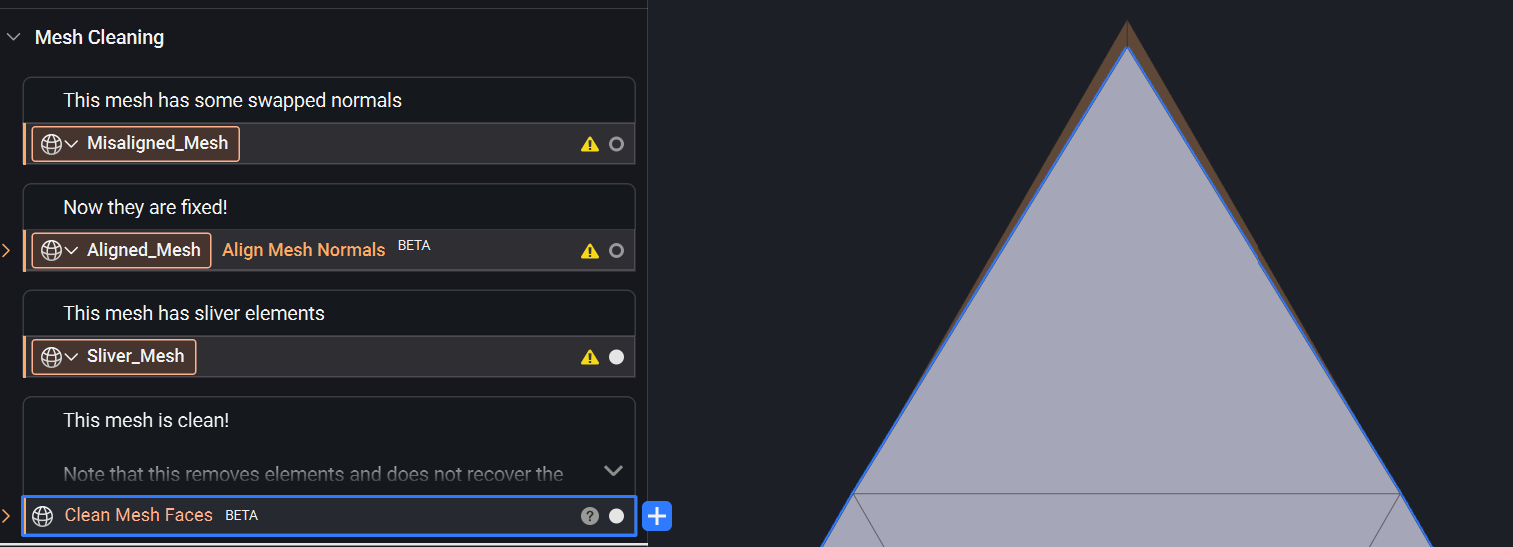
Clean Mesh Faces
- The Clean Mesh Faces block removes degenerate faces below a given area and small disconnected components from a surface mesh. Faces are first filtered by area, then edge-connected components with fewer faces than the minimum are removed.
- Location: Beta > Shell Modeling
- Mesh: Surface mesh to clean.
- Min Face Area: Remove faces whose area is strictly below this value. Disabled when 0.
- Min Component Faces: Remove edge-connected components with fewer faces than this count. Disabled when 0 or 1.
- Output: Mesh
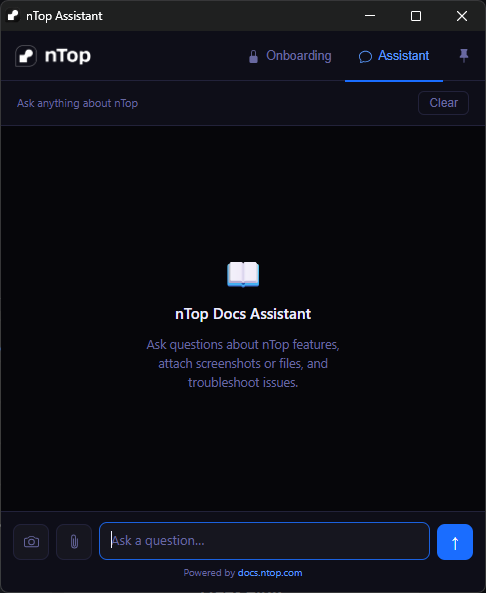
nTop Assistant
- We've released nTop Assistant, which puts onboarding and support right inside your nTop session, so you don't have to switch to your browser.
- nTop Assistant opens to two tabs: Onboarding, a five-screen walkthrough of the features we most want new users to see, and Assistant, the same nTop Docs Assistant available on our website.
- Ask a question, attach a file, or take a screenshot of what you're working on to get answers in context. You can also pin the Assistant window on top of your other windows while you work.
- Note: nTop Assistant runs separately from nTop and does not have direct access to your open notebook. Download it from app.ntop.com.
Block Updates
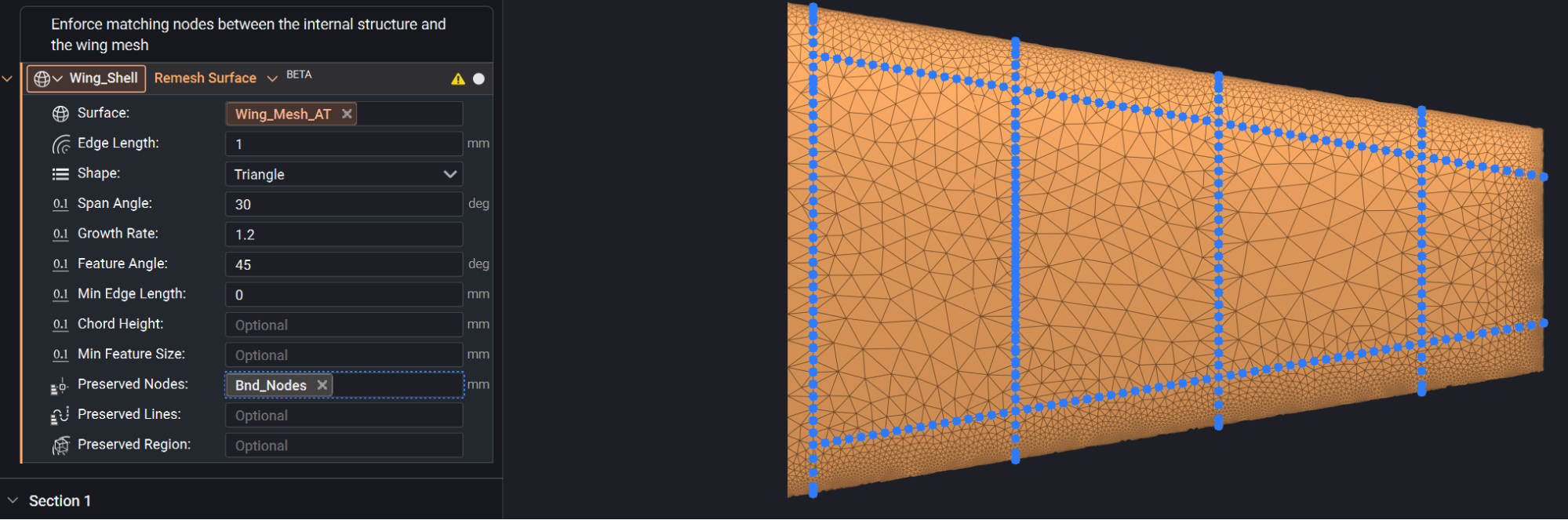
- We've added a new overload for the Remesh Surface block that gives more options to preserve geometry through the remesh process. The new Preserved Lines input ensures that specified edges survive remeshing, and the new Preserved Region input preserves edges and faces that occur within a specified body.
- Location: Structures > Mesh
- Preserved Lines (new): A list of polycurves whose edges will be recovered in the output mesh. Each polycurve is sampled at the target edge length, and the resulting edges are guaranteed to appear in the remeshed output.
- Preserved Region (new): An implicit body defining the region to preserve. Edges and faces of the input mesh that lie within the body are kept intact.
- Output: Mesh