
nTop 5.27 is here! This release features our new Mesh from Implicit by AT block, which uses an adaptive tessellation algorithm. We have added the ability to resize the notebook as well. As with every release, nTop's dedicated support team is ready to answer your questions. Please visit support.ntop.com to gain access to helpful tutorials and support articles.
Mesh from Implicit by AT
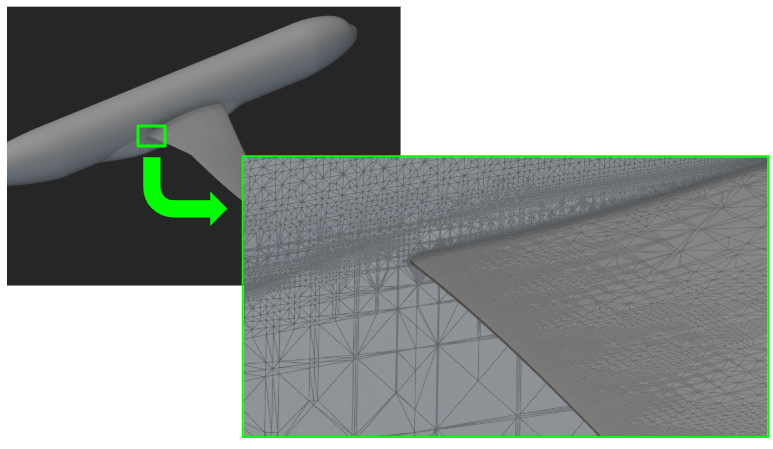
- The Mesh from Implicit by AT block generates a mesh from an implicit body input using Adaptive Tessellation.
- Compared to the traditional Mesh from Implicit Body method, Adaptive Tessellation significantly reduces computational and memory overhead, especially when finer tolerances are required, and yields fewer self-intersections.
- The Mesh from Implicit by AT block achieves this by generating large mesh faces in flatter or less complex regions and maintaining small faces where higher fidelity is needed, resulting in a lower overall triangle count.
- Location: Beta > Utilities
- Body: Implicit Body to convert.
- Tolerance: The maximum allowable deviation of the Mesh from the implicit geometry. The resulting mesh will be more precise as this value gets smaller, but the block will take longer to compute.
- Max Edge Length: This variable specifies the largest mesh edge size. Setting this variable too small may prevent filtering out fine features.
-
Output: Mesh
UV Field from Surface
- The UV Field from Surface block creates a closest-point UV parameterization vector field from an input CAD face. The output range will be 0 to 1 from edge to edge in the U and V directions.
- Location: Utilities > Conversion
- Surface: Surface to create the implicit body from.
- Tolerance: Tolerance of conversion is determined by the distance of the resultant Implicit Body to the surface of the CAD Body.
- Output: Vector Field
Usage Improvements
-
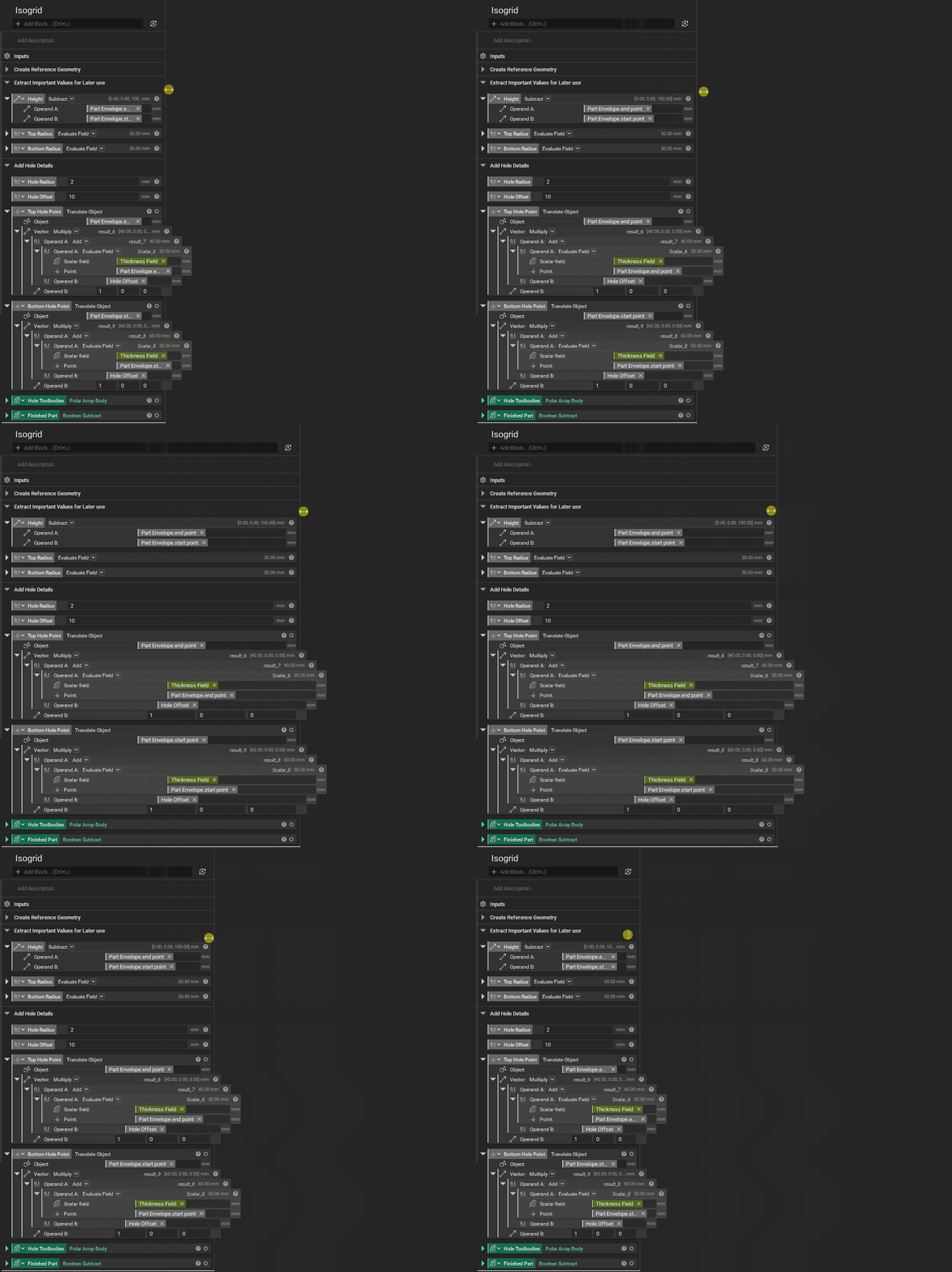
Resizing Notebook: Hover over the right side of the notebook and drag to adjust its width. Double-click to reset the size back to the default.
- Nautical Miles: You can now use Nautical Miles (nmi) as a unit in any numerical input.
- To set this as the notebook unit for length, go to Settings > Units > Metric > Base Units > Length = 'nmi'
- We have updated the domain of streamlines to be hidden by default, with an option to "Show Domain" in the Object Display Settings. This will show the domain at low opacity so the streamlines are legible.