
nTop 5.37 is here! This release introduces new Field Viewer visualization options for inspecting discontinuities and zero values, as well as spatially varying boundary conditions for Flow Analysis. As with every release, nTop's dedicated support team is ready to answer your questions. Please visit support.ntop.com to gain access to helpful tutorials and support articles.
Field Viewer Improvements
-
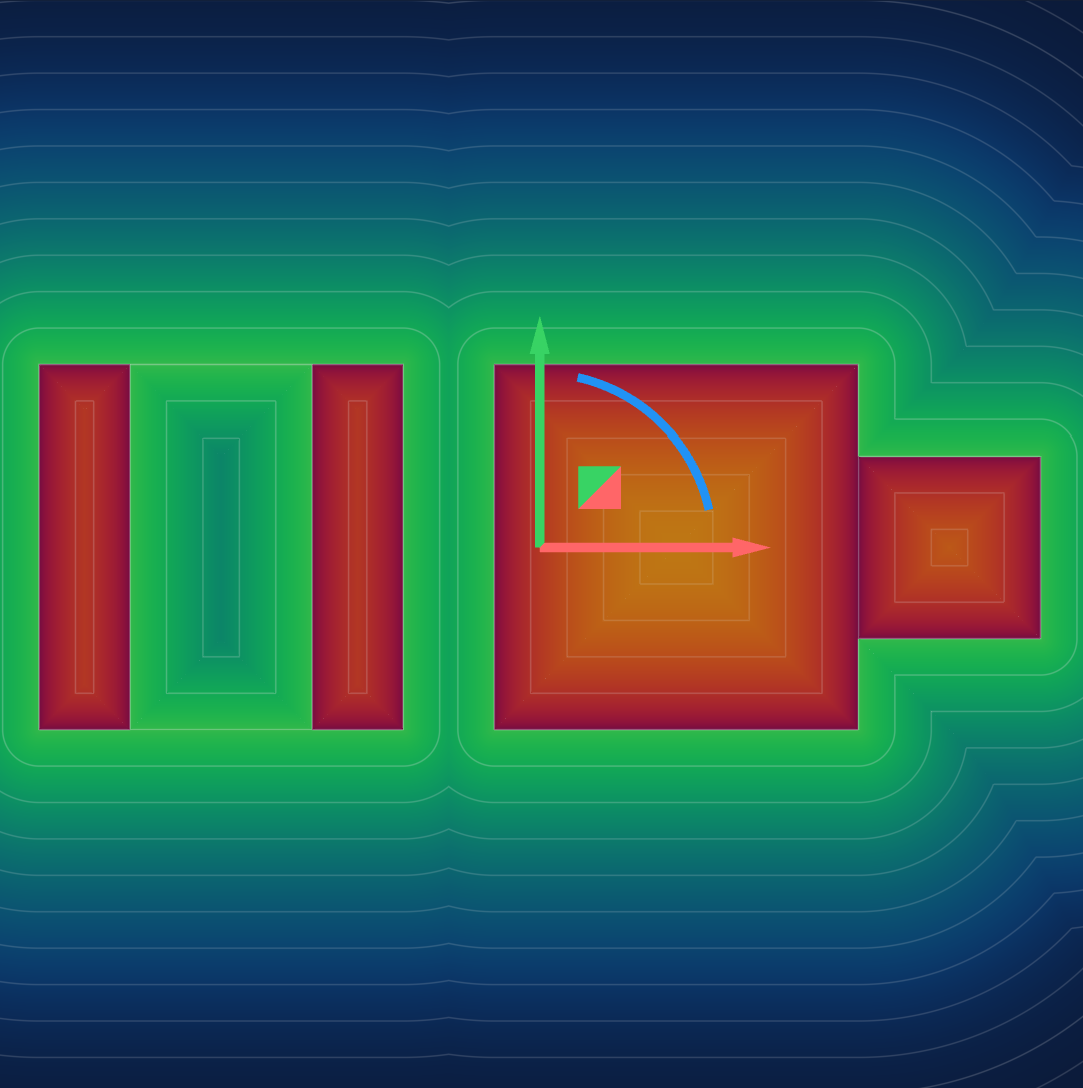
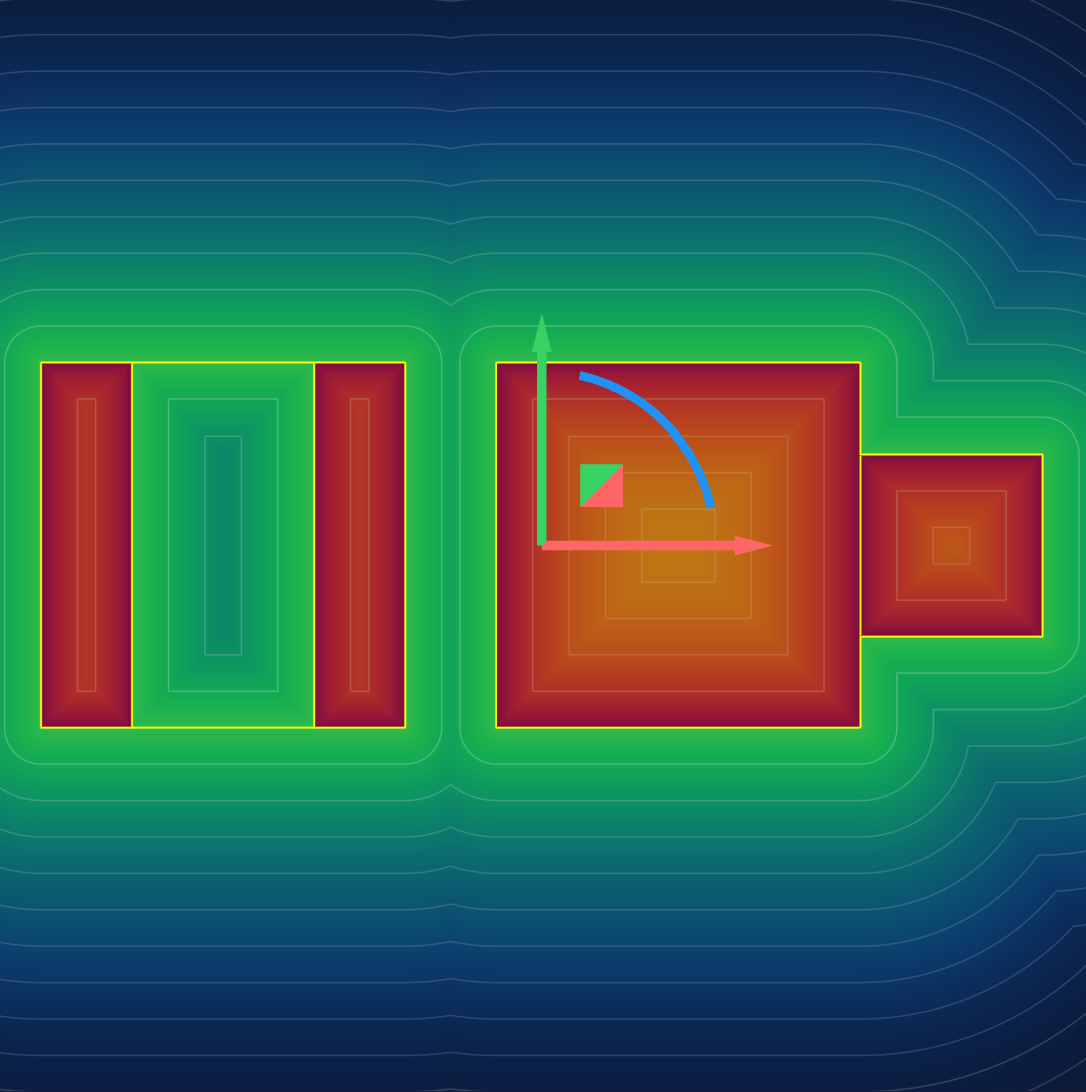
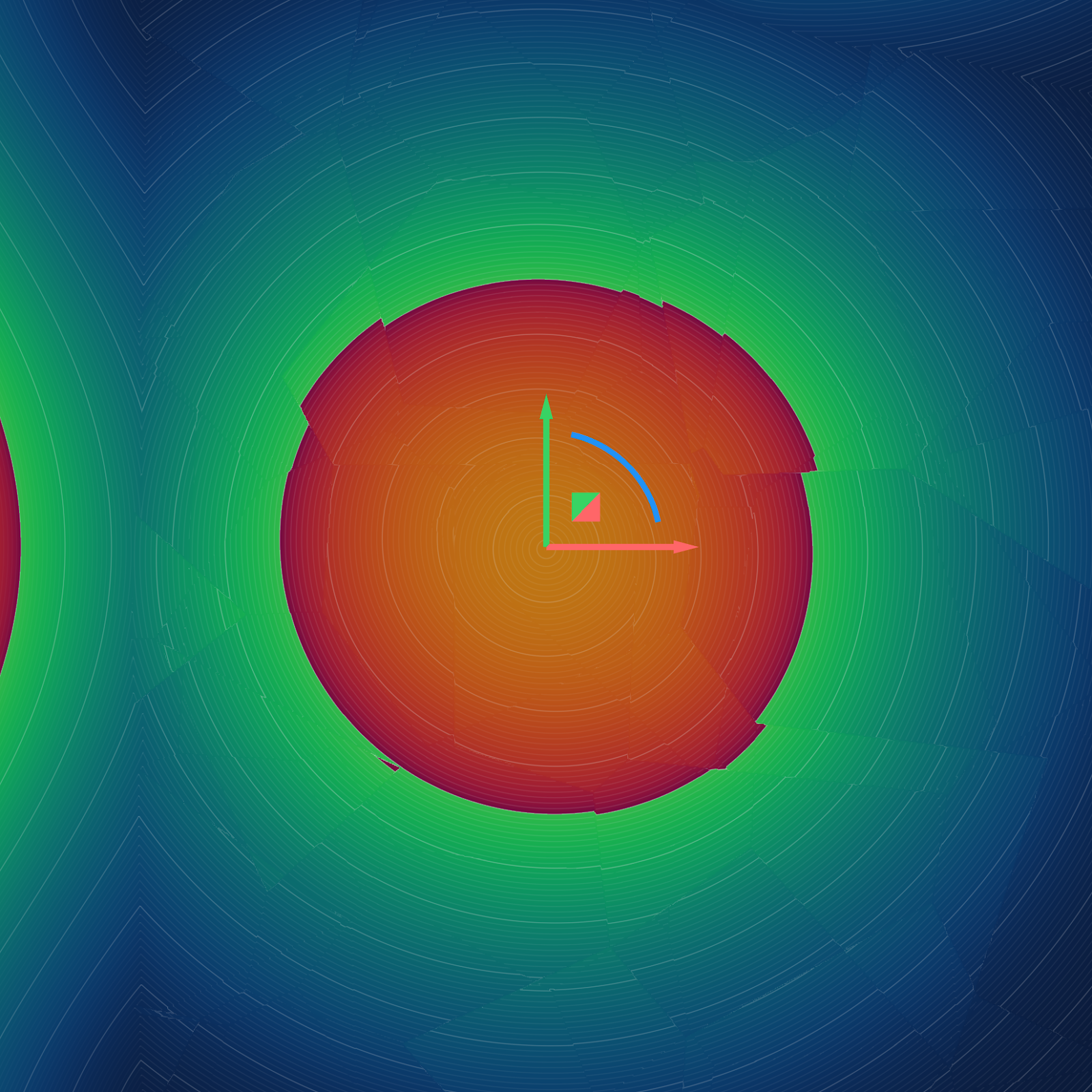
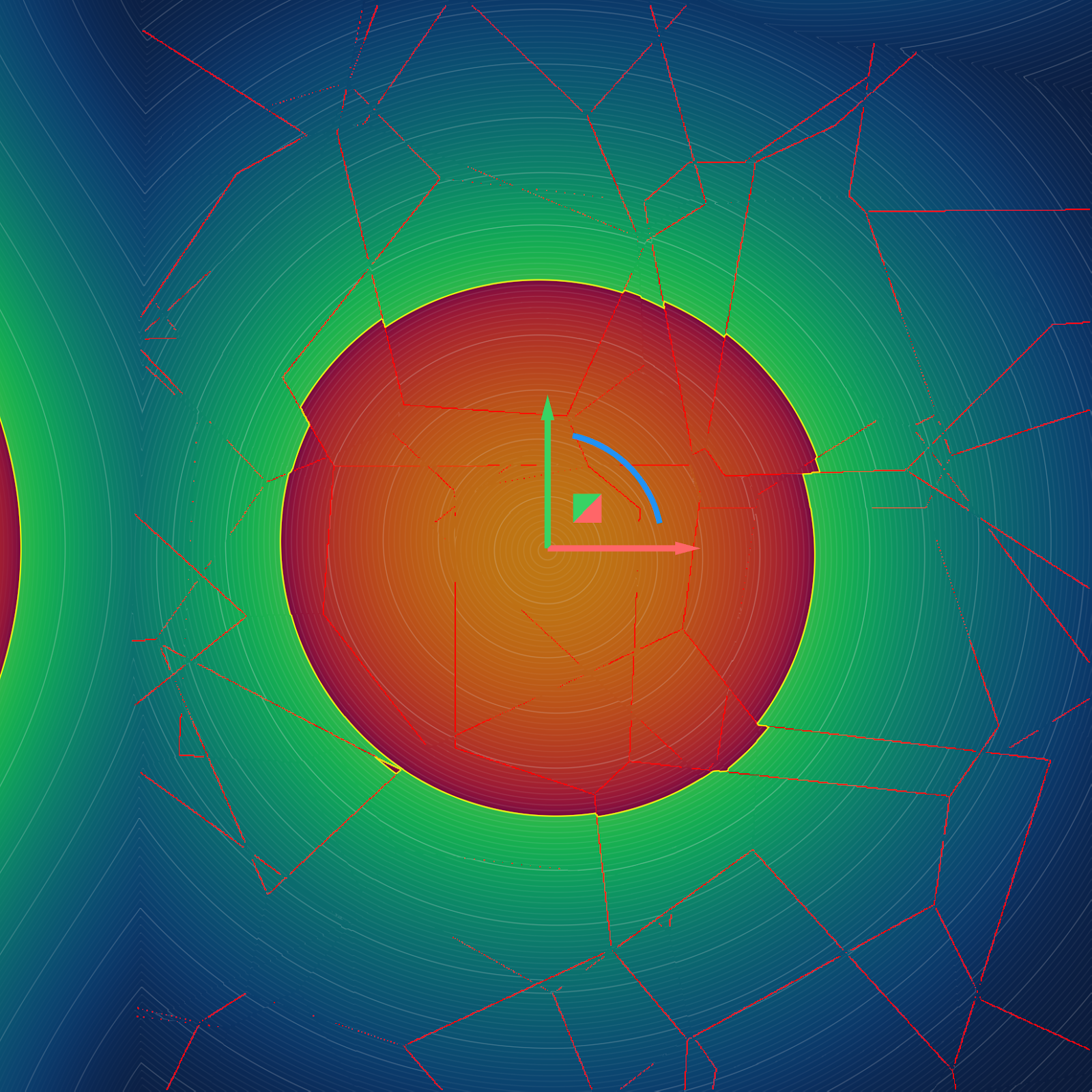
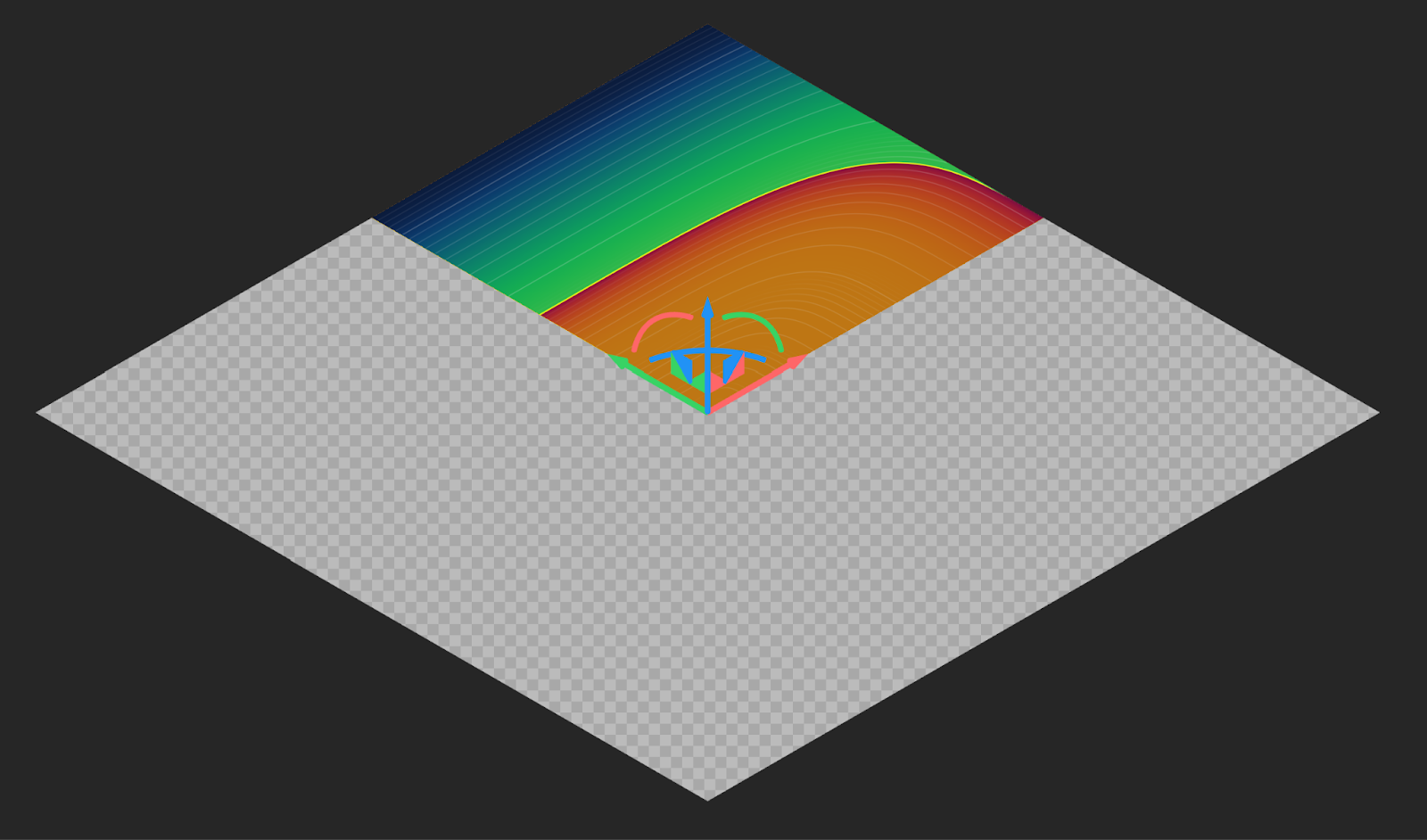
Zero and Discontinuity Visualization: We added new visualization toggles to the Field Viewer (shortcut F) in the right side panel to help you inspect fields:
- Show Defects: This option visualizes areas where the field value changes abruptly (discontinuities).
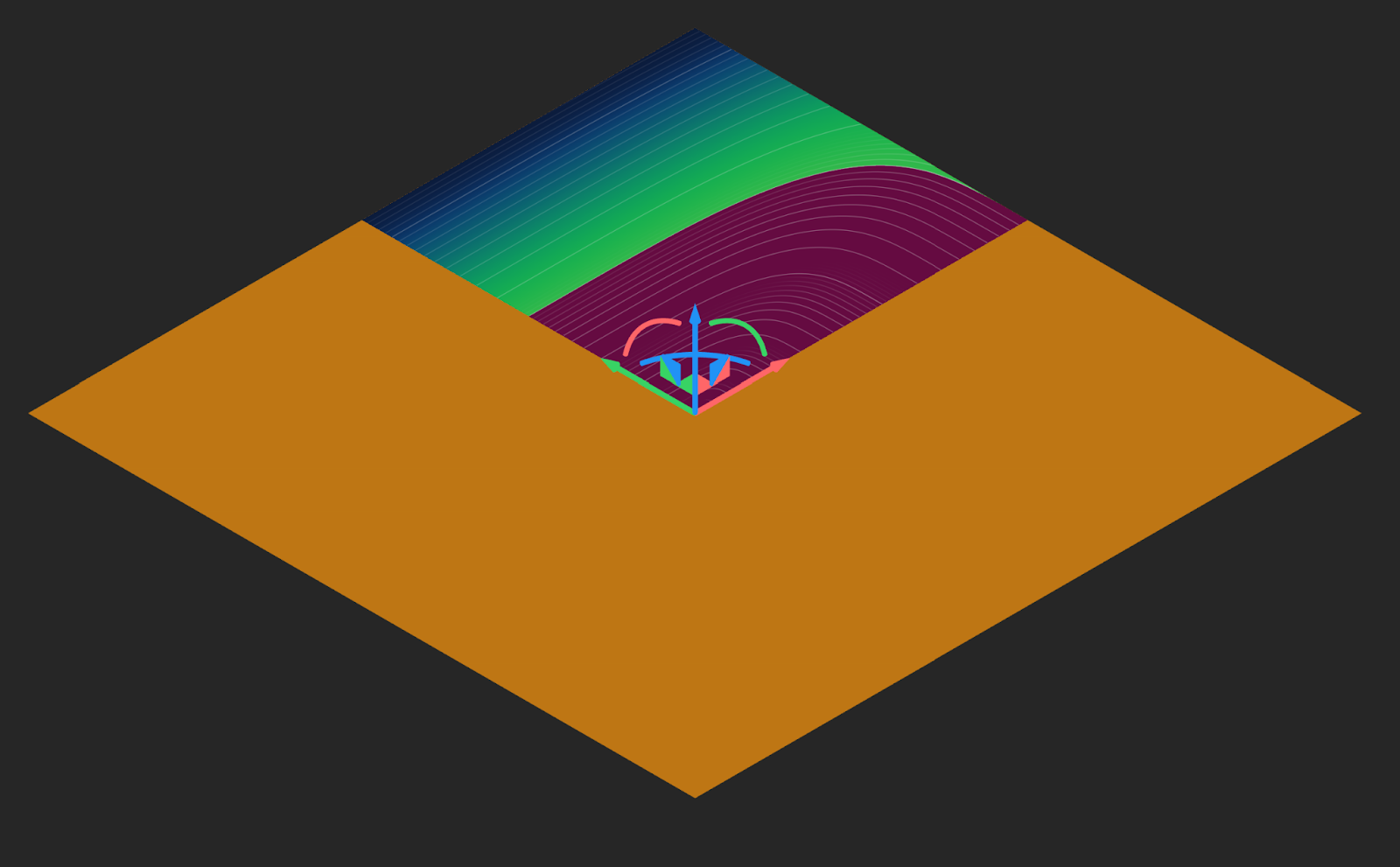
- Highlight Zero: This option renders a yellow contour line indicating where the field values equal zero. Use this to verify the exact boundary of an implicit body and prevent downstream issues during shelling or offsetting operations.
- Infinite and NaN Value Rendering: Infinite (Inf) and NaN values now appear as a grey and white checkerboard pattern, making them easily distinguishable from the rest of the field. The color map also now ignores these values, making the rest of the field more legible.
| Before 5.37 | 5.37 |
|---|---|
 |
 |
 |
 |
 |
 |
Block Updates
- We have enabled spatially varying boundary values as inputs for Flow Analysis and Aircraft Flow Analysis blocks that use nTop Fluids. Boundary conditions can now be defined using spatially varying data fields. This enables complex, non-uniform scalar or vector fields to be mapped directly onto simulation boundaries, eliminating the need to rely solely on constant values.
- We have updated the Parameter Optimization block to reduce the time taken for the normalization step and to improve the results. All previous results are cached and unchanged. However, rerunning the block may produce different results.
Bug Fixes
- We resolved an issue where importing .vtu/.vtk files could result in empty or incomplete data being returned in some cases. This fix restores full functionality to the following blocks:
- Import Buckling Result
- Import Modal Result
- Import CFD Analysis Result
- Import Static Thermal Result
- Import Static Structural Result
- Import Time Dependent Thermal Result
- Import Time Dependent Structural Result